

The ValleyVinyl
The ValleyVinyl
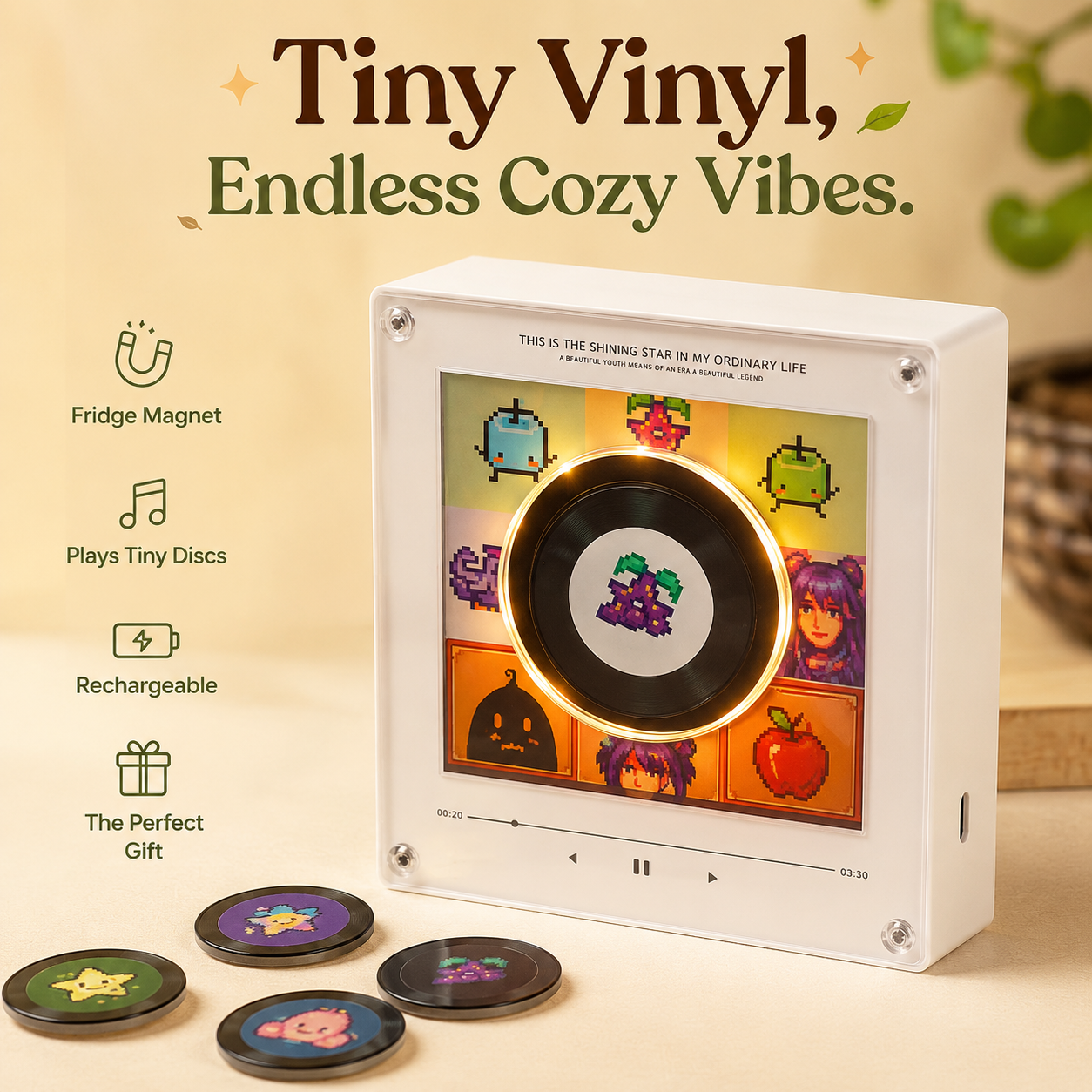

Bring Cozy Tunes Home
Transform any space into a cozy retreat with a tiny vinyl player that plays charming mini discs. Whether it's your kitchen, office, or bedroom, every melody adds a little warmth to your day.
How does it work?
1: Connect
Plug the VinylValley box into your computer using the included USB-C cable. It will open automatically like a USB drive, giving you access to the music folders.
2: Add your songs
Open the 9 numbered folders inside the ValleyVinyl drive. Drag and drop one MP3 file into each folder. The folder number matches the numbered chip you’ll use.
3: Attach the chips
Each NFC chip is labeled 1–9. Peel the backing off a chip and stick it to the back of the matching vinyl disc (for example, Chip 1 goes on Disc 1). Repeat for all the discs you want to use.
4: Place & play
Place a disc on top of the ValleyVinyl box and its assigned song will begin playing instantly. Remove the disc and the music stops automatically. Swap discs anytime to instantly switch songs.